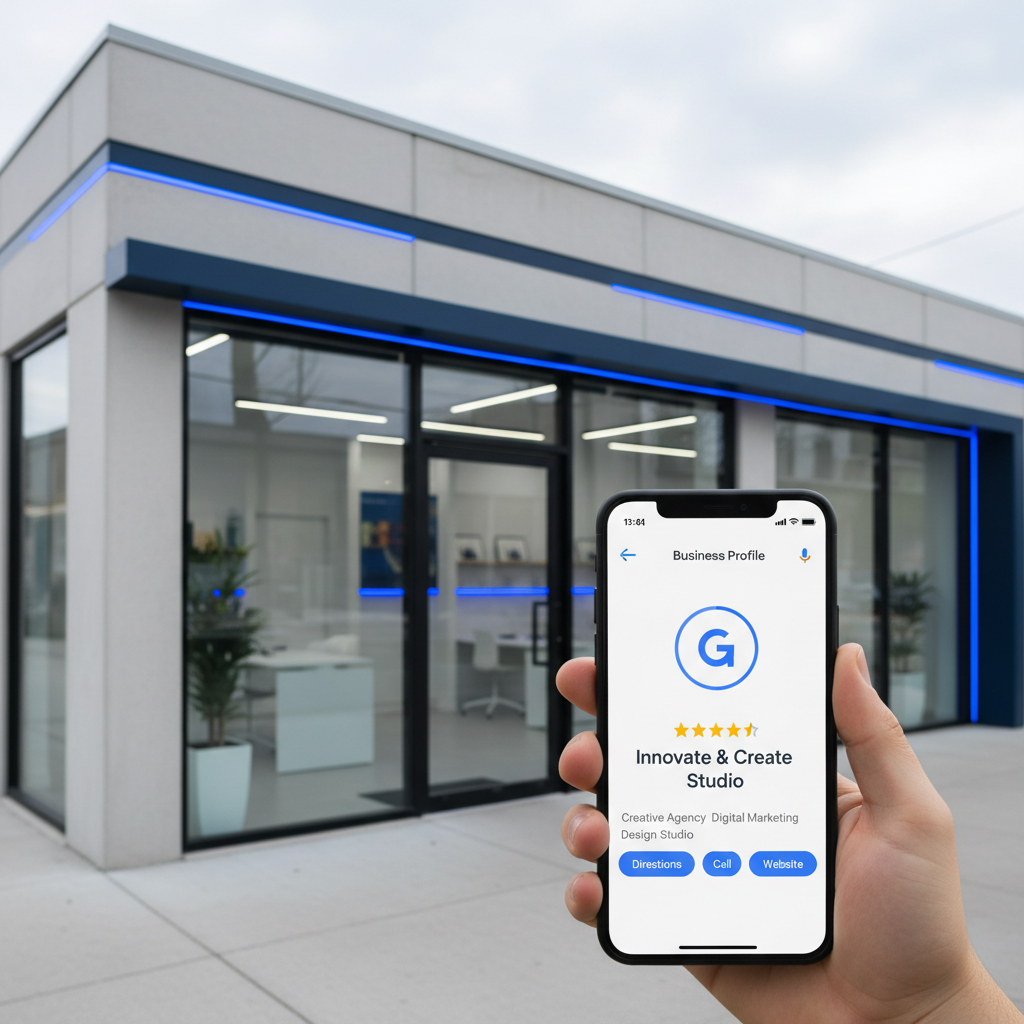
Optimizing your Google Business Profile (GBP) photos is not just about making your listing look appealing. It is a fundamental strategy for local SEO and attracting new customers in 2026. High-quality, relevant images directly influence your visibility in Google Search and Maps, driving organic traffic to your business. Businesses that prioritize their photo strategy often see a significant increase in clicks, calls, and visit requests compared to those with neglected profiles. Ignoring this aspect means leaving potential customer interactions on the table, impacting your overall online reputation and revenue.
Key takeaways
- High-quality Google Business Profile photos boost local search visibility and customer engagement.
- Include exterior, interior, product/service, team, and common area photos for a complete profile.
- Photos influence decision-making for 60 percent of online searchers.
- Geo-tagging and descriptive filenames improve SEO performance for each image.
- Regularly update photos to reflect current offerings and maintain an active profile.
The Direct Impact of Photos on Local Search Rankings
Google prioritizes rich, complete business profiles in local search results. Photos are a core component of this completeness. Businesses with well-optimized photos receive 35 percent more clicks to their website and 42 percent more requests for directions on Google Maps.
These engagement signals, generated directly by your imagery, tell Google that your listing is valuable and relevant. Consistent photo uploads and high engagement can significantly improve your position in the local pack and Google Maps ranking. If your business struggles with local visibility, consider whether your Google Business Profile photo strategy is comprehensive enough. For broader online presence, our SEO services provide holistic optimization.
What Photo Categories to Include for Maximum Effect
A diverse range of photos tells a richer story about your business and caters to different customer interests. Include exterior shots to help customers recognize your location, and interior shots to showcase your ambiance. Product or service photos give potential clients a clear idea of what you offer.
Team photos add a personal touch, building trust and approachability. Consider adding photos of common areas or popular features to highlight unique aspects. This comprehensive approach ensures searchers find exactly what they need, regardless of their specific query. For example, a restaurant should show its dining area, signature dishes, and kitchen, not just its storefront.
Optimizing Photo Files for Improved Visibility
Beyond the visual appeal, technical optimization of your photo files contributes to better local SEO. Rename image files with relevant keywords before uploading, such as 'duba-restaurant-interior-dining.jpg' instead of 'IMG_001.jpg'. This provides additional context to search engines.
Geo-tagging photos with your business location is another subtle but effective technique. While not a primary ranking factor, it reinforces local relevance. Ensure image sizes are appropriate for web, balancing quality with fast loading times. You can always consult with our experts about your local SEO strategy for more guidance.
The Role of User-Generated Photos and How to Manage Them
Customers often upload their own photos to your Google Business Profile. These user-generated images add authenticity and social proof, but they can sometimes be low quality or irrelevant. While you cannot directly delete customer photos, you can flag inappropriate ones for review by Google.
Actively encouraging your customers to upload high-quality photos of their experiences can also help. Responding to reviews, even those with photos, shows engagement. A strong presence of positive customer photos often overshadows any less-than-ideal user submissions. If you face truly unfair images, specific Google review removal tactics might apply.
Staying Current: Regularly Updating Your Google Business Profile Photos
Your business evolves, and your Google Business Profile photos should too. Update your images quarterly or whenever there are significant changes, like new products, services, renovations, or seasonal displays. Fresh content signals to Google that your profile is active and well-maintained.
An outdated photo gallery can detract from customer confidence and give the impression that your business is not current. Regular updates contribute to higher engagement rates and better local search performance. Read more about maintaining an optimal online presence on our reputation blog.
Measuring Photo Performance and Adapting Your Strategy
Google Business Profile Insights provides valuable data on how your photos perform. Track views for different photo types to understand what resonates most with your audience. This data allows you to refine your strategy, focusing on the image categories that generate the most interest.
Use these insights to prioritize future photo shoots and ensure your visual content aligns with customer expectations. Continuous monitoring and adaptation are key to sustained local SEO success. For an assessment of your current online visibility, feel free to contact our reputation team.
Frequently asked questions
Do photos affect my Google Business Profile ranking?
Yes, high-quality and diverse photos significantly improve your Google Business Profile ranking by increasing engagement signals and profile completeness.
What types of photos should I upload to GBP?
Upload exterior, interior, product/service, team, and common area photos to provide a comprehensive view of your business to potential customers.
Can I remove customer photos from my Google Business Profile?
You cannot directly remove customer photos, but you can flag inappropriate images for Google to review. Encourage positive customer photo submissions to balance your profile.
How often should I update my Google Business Profile photos?
Update your photos quarterly, or whenever your business undergoes significant changes such as new offerings or renovations, to keep your profile fresh and relevant.
Is photo geo-tagging important for local SEO?
Geo-tagging photos with your business location can provide subtle local relevance signals to search engines, reinforcing your business's presence in local search results.
How can I check the performance of my Google Business Profile photos?
Use Google Business Profile Insights to monitor photo views and engagement, helping you understand which images perform best and inform your content strategy.