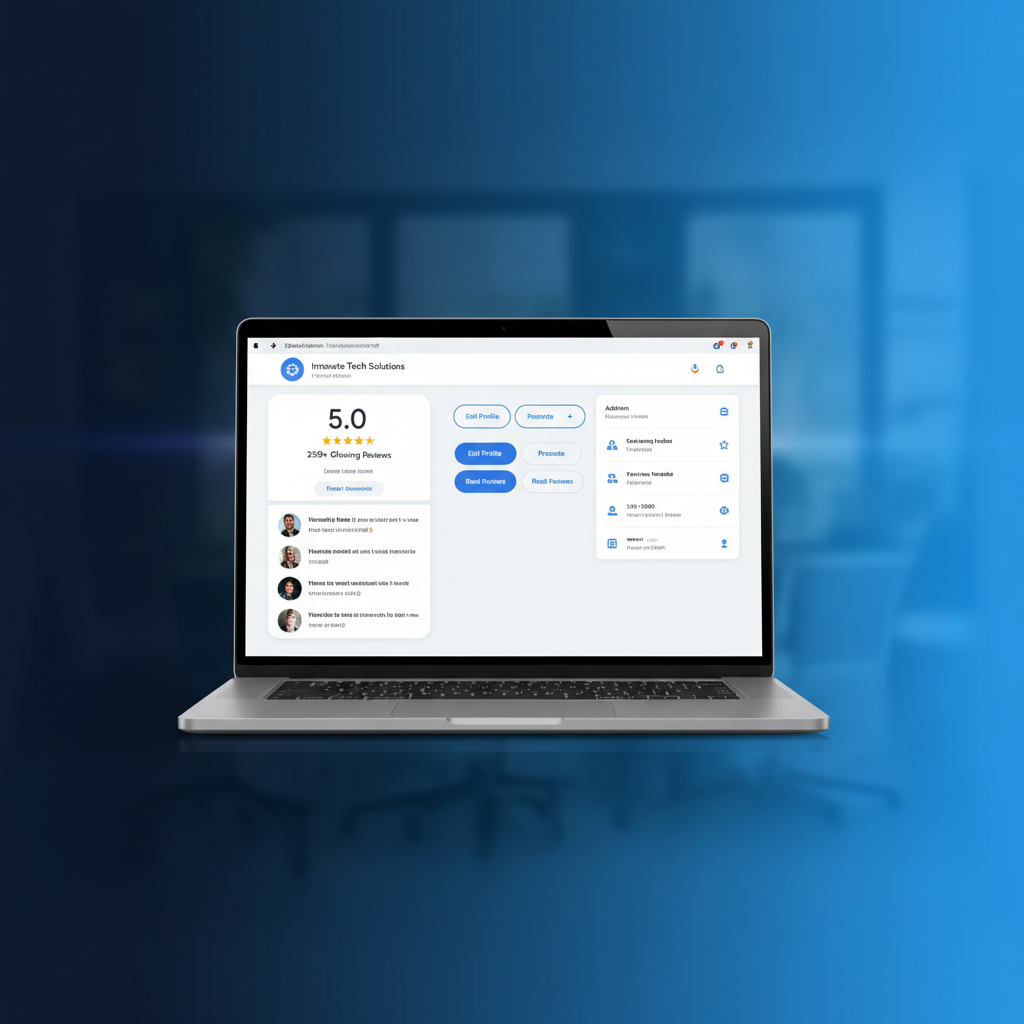
A strong online presence starts with your Google Business Profile (GBP). For local businesses, this free tool is often the first interaction a potential customer has with your brand. Claiming and fully optimizing your GBP is crucial for visibility in Google Search and Maps. Without proper management, you miss out on critical leads and control over your business narrative. This guide will walk you through the process, ensuring your profile effectively serves as a digital storefront and actively attracts new clients in 2026.
Key takeaways
- Claiming and verifying your Google Business Profile is the foundational step for local SEO.
- Complete and accurate business information is crucial for visibility and ranking.
- Consistent management of reviews and Q&A enhances customer trust and engagement.
- High-quality photos and regular posts significantly improve profile performance.
- Tracking insights helps refine your strategy for better local search results.
Why Your Google Business Profile Matters for Local SEO
Your Google Business Profile is more than just a listing; it is a core component of your local SEO strategy. When customers search for businesses like yours, a well-optimized GBP ensures you appear prominently in the 'local pack' results on Google Search and Maps. This direct visibility drives calls, website visits, and foot traffic.
Businesses with complete and accurate profiles are more likely to be considered reputable by Google's algorithm. This impacts your ranking significantly, pushing you above competitors who neglect their digital storefront. It is a critical factor for anyone serious about local market dominance.
How to Claim and Verify Your Business Profile
The first step is to claim your Google Business Profile. Go to business.google.com and search for your business by name and address. If it appears, you can proceed to claim it. If not, you will need to create a new listing. Ensure all details such as business name, address, phone number, and website are accurate.
Verification is typically done via postcard mail, phone, or email. Google sends a unique code to your physical address or a verified contact method. Enter this code to confirm you are the legitimate owner. Without verification, your profile will not appear publicly, limiting your ability to manage your online reputation effectively.
Once verified, you gain full control to edit your information, respond to reviews, and post updates. This control is essential for maintaining an accurate and positive brand image. If you need help with your online visibility, our local SEO experts can assist.
Optimizing Your Profile for Maximum Visibility
After claiming, focus on optimization. Fill out every single section. This includes your business category, services, operating hours, and a compelling business description. Use keywords naturally within your description that potential customers might search for. A thorough profile signals to Google that your business is relevant and trustworthy.
Upload high-quality photos and videos of your business, products, and team. Businesses with photos receive more requests for directions and website clicks. Regularly refreshing your images keeps your profile engaging and current, showing your business remains active and professional. You can also explore our SEO services to enhance your overall search performance.
Managing Customer Reviews and Q&A
Reviews are a cornerstone of your Google Business Profile. Respond to all reviews, both positive and negative, promptly and professionally. Thank customers for positive feedback and address negative comments constructively, offering solutions or apologies. Active engagement builds trust and shows you value customer input.
The Q&A section allows customers to ask questions directly. Monitor this section diligently and provide accurate answers. Proactive answers can save customers time and reinforce your expertise. Ignoring questions or reviews can damage your online reputation, making negative review removal more challenging later.
Leveraging Posts and Special Offers
Google Posts allow you to share updates, events, offers, and new products directly on your profile. These posts appear prominently in search results and can drive immediate engagement. Use them to announce promotions, new inventory, or upcoming events, creating a dynamic and informative presence.
Special offers and services listed on your profile can attract new customers looking for deals or specific assistance. Regularly updating these sections ensures your profile remains a real-time reflection of your business. This strategy is key to effective Google Business Profile management.
Monitoring Performance and Adapting Your Strategy
Google Business Profile provides insights into how customers interact with your listing. You can see how many people viewed your profile, requested directions, called your business, or visited your website. Analyze these metrics to understand what is working and what needs adjustment.
Regularly review your performance data to refine your optimization strategy. Perhaps certain keywords are driving more traffic, or posts about a specific service are getting more clicks. Use this information to continually improve your profile's effectiveness and maintain a strong position in local search results. For further reading, check out our insights on Google review removal.
Frequently asked questions
What is Google Business Profile?
Google Business Profile is a free tool for businesses to manage their online presence across Google Search and Maps, helping them connect with customers.
How long does it take to verify a Google Business Profile?
Verification typically takes between 1 to 2 weeks if done by postcard, while instant verification methods like phone or email are much faster if available for your business.
Can I have multiple Google Business Profiles for one business?
No, Google generally only allows one profile per physical business location. Duplicate profiles can confuse customers and violate Google's guidelines, negatively impacting your visibility.
What should I do about fake Google reviews?
You should report any fake or policy-violating reviews directly to Google through your Google Business Profile dashboard. Google will investigate and potentially remove them. Our reputation cleanup service can also help.
How often should I update my Google Business Profile?
You should update your profile whenever there are changes to your business information, hours, or services. Posting weekly or bi-weekly with updates, offers, or news is also beneficial for engagement and visibility.
Is Google Business Profile free to use?
Yes, Google Business Profile is completely free for businesses to create and manage their listings. Advertising features within Google Ads, however, are paid services.